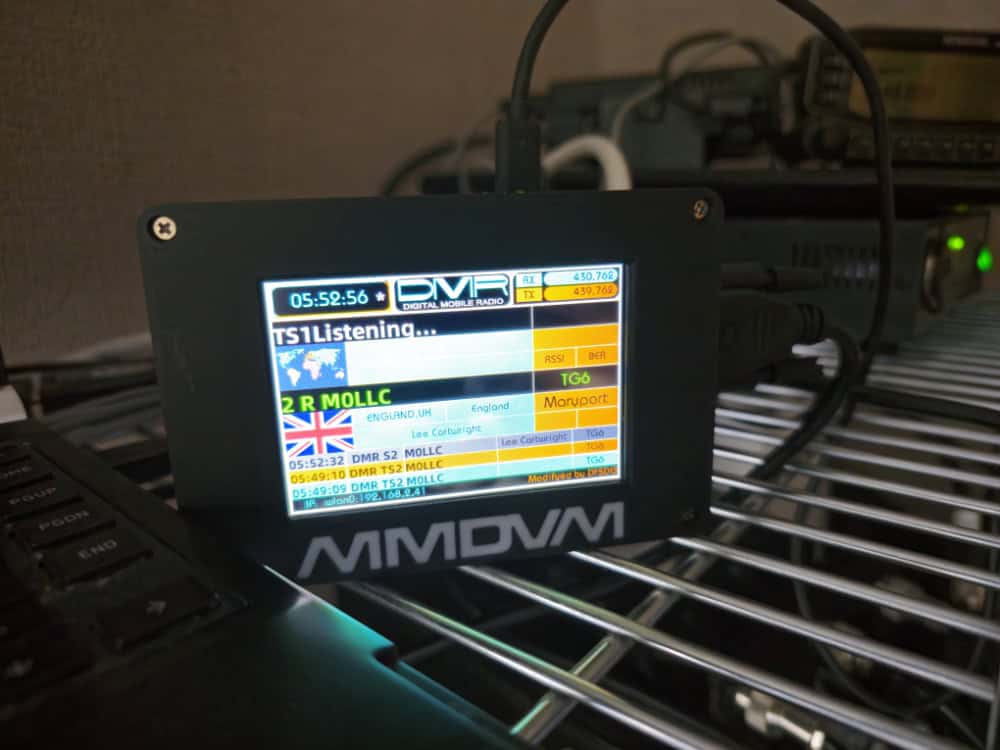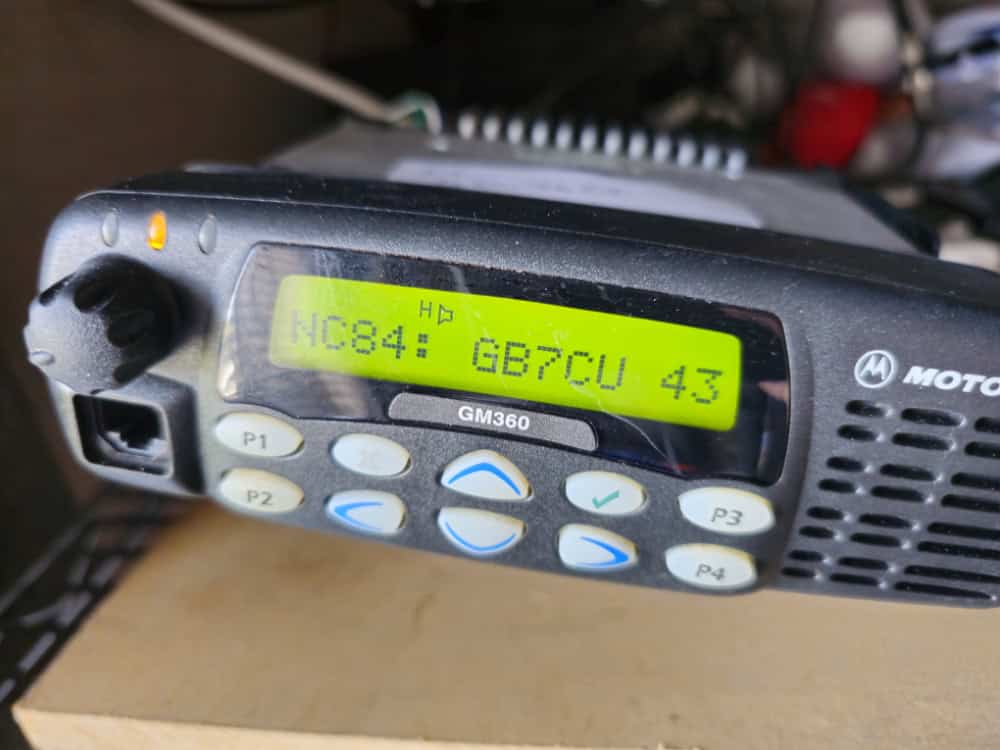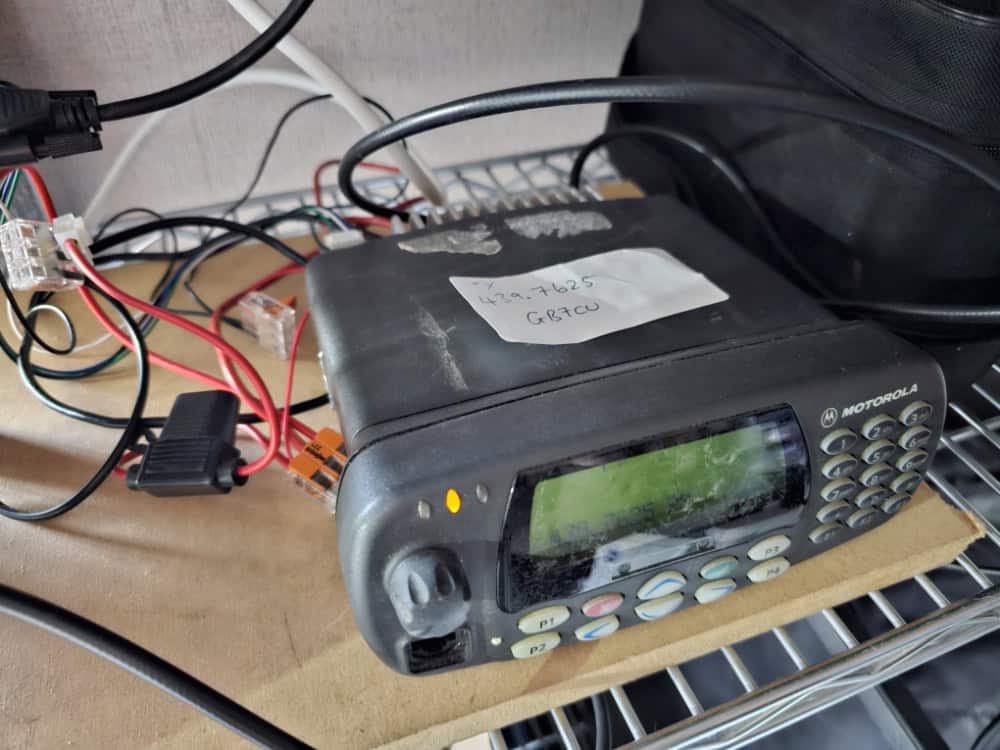
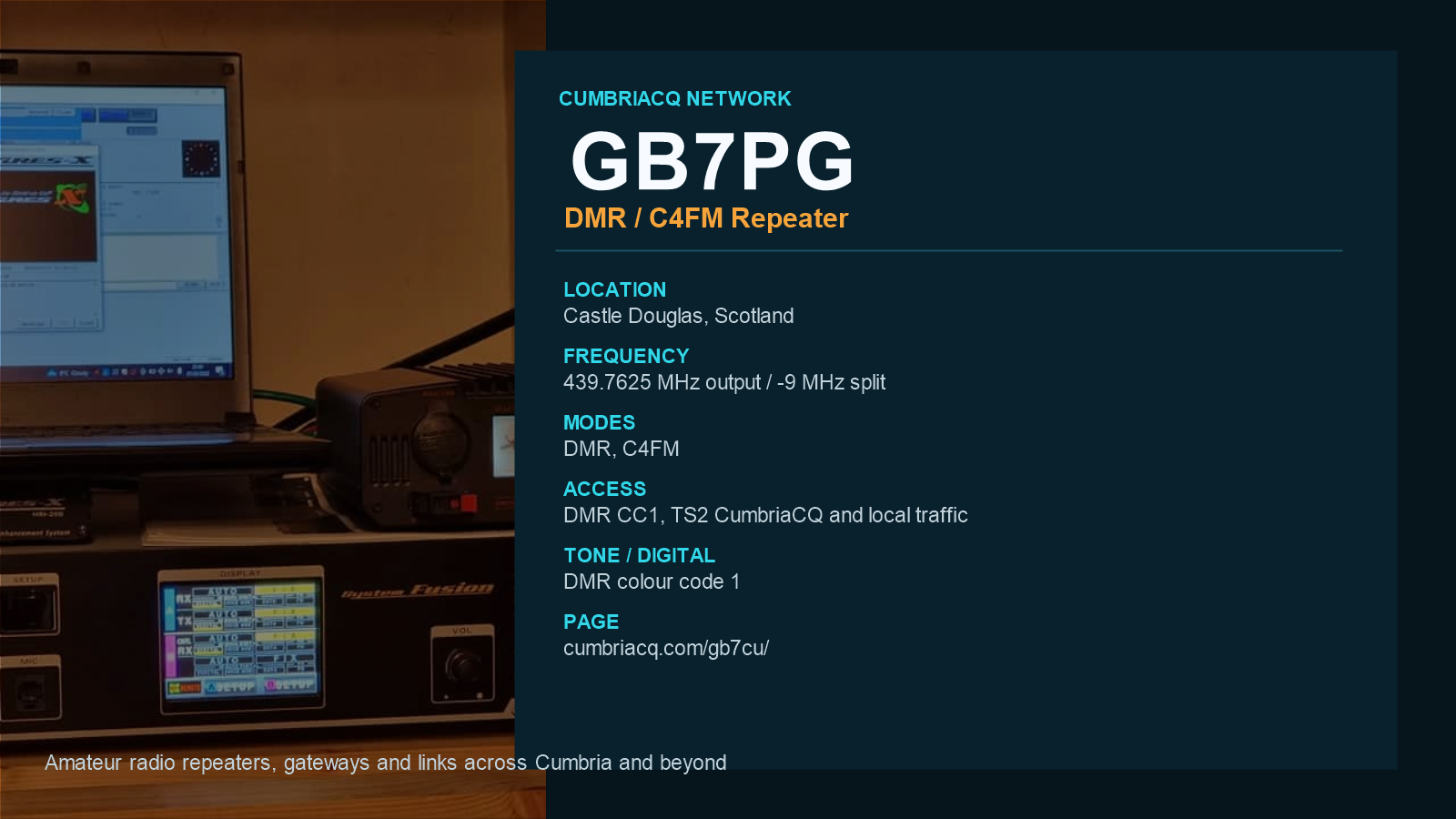
GB7PG Located on UHF 439.7625 mhz with a minus 9Mhz split. DMR Colour Code 1. TS1: Network Traffic – TS2: cumbriaCQ & Local Traffic.
NOW WITH C4FM & DMR Located in Castle Douglas Scotland
Stuart M9SNW — The Pink Gin Repeater
Modes: C4FM & DMR
1 Mode will only work at 1 time. Allow 20 seconds AFTER a QSO as taken place to use the other mode as the repeater will ignore any new mode for 20 seconds.
C4FM
The repeater is primarily connected to the Cumbria CQ Network, with DMR available as a secondary dial-in option.
- C4FM / YAESU DIGITAL
- Always connected to CumbriaCQ YSF 89134.
- The repeater can be switched to other reflectors. Please remember to return it to YSF 89134 – CumbriaCQ when finished.
How to Disconnect from a Room (C4FM)
To disconnect from a room while using C4FM:
- Enter Control Mode:
Press and hold the Wires-X button on your radio to switch to control mode. - Disconnect from the Room:
Once in control mode, press and hold the * button on your MIC. - Ensure No QSO Is in Progress:
You can only disconnect when there is no active QSO (conversation) in progress on the repeater. - Then Reconnect it back to 89134 or Cumbria CQ
DIGITAL / DMR – CumbriaCQ (no prefix) + BrandMeister + SystemX + TGIF
Colour Code 1. TS1 network traffic. TS2 CumbriaCQ / local. Main TG 89134 on dmr.cumbriacq.com. D-STAR is supported. Only one digital mode at a time; wait about 20 seconds after a QSO before changing mode.
CumbriaCQ talkgroups use their normal number. No prefix. Use TS2 for CumbriaCQ and local DMR.
| Network | Prefix | Example |
|---|---|---|
| CumbriaCQ | No prefix | Main TG 89134 |
| BrandMeister | Prefix 2 | BM TG 91 = 2000091 |
| SystemX | Prefix 4 | TG 23426 = 4023426 |
| TGIF | Prefix 5 | TGIF TG 2350 = 5002350 |
BM 92 = 2000092, BM 2350 = 2002350. TGIF 9990 = 5009990.
Live Digital Dashboard · Digital Leaderboards
Time Slot 1: any traffic. Time Slot 2: local / Cumbria CQ.
Other masters still on this box: SYSTEMX prefix 4, TGIF prefix 5.
DMR – How to Connect: First-Time User Guide
DMR utilizes 2 Time Slots (TS), enabling simultaneous use by multiple users:
- TS1: For one user/group.
- TS2: For another user/group.
DMR uses Talk Groups (TG) to connect to specific networks. Each network has its own list of talk groups.
The repeater operates on Raspberry Pi with WPSD software, which works exactly like any WPSD setup you may already use.
Connecting Example:
To connect to the SYSTEMX DMR server and access the FreeStar Talk Group:
- SYSTEMX requires a 7-digit talk group ID.
- Prefix talk group numbers with “4”, followed by the talk group ID.
- Add an extra “0” after the network ID if necessary.
- TGIF Network is Prefixed 5 then 7 digits..
Examples:
– FreeStar Talk Group: 23426 → SYSTEMX Dial Code: 4023426
– CQ North West Talk Group: 69 → SYSTEMX Dial Code: 4000069
A full list of talk group numbers can be found in the links above.
Connecting to Cumbria CQ on DMR
- Select Time Slot 2 (TS2).
- Dial 89134 on the Cumbria CQ master (dmr.cumbriacq.com).
- Key the radio.
This guide should simplify connecting to and disconnecting from DMR and C4FM networks using the repeater. Enjoy!
FOR MORE INFO ON CUMBRIACQ CLICK HERE
To See whats talking & Connected to GB7PG – Click here for the Dashboard